A First Metronome Session: Keep the Beat Without Chasing It
A metronome makes an even pulse audible. Use a short, simple task so that the clicks reveal your timing instead of becoming another sound you struggle to follow.
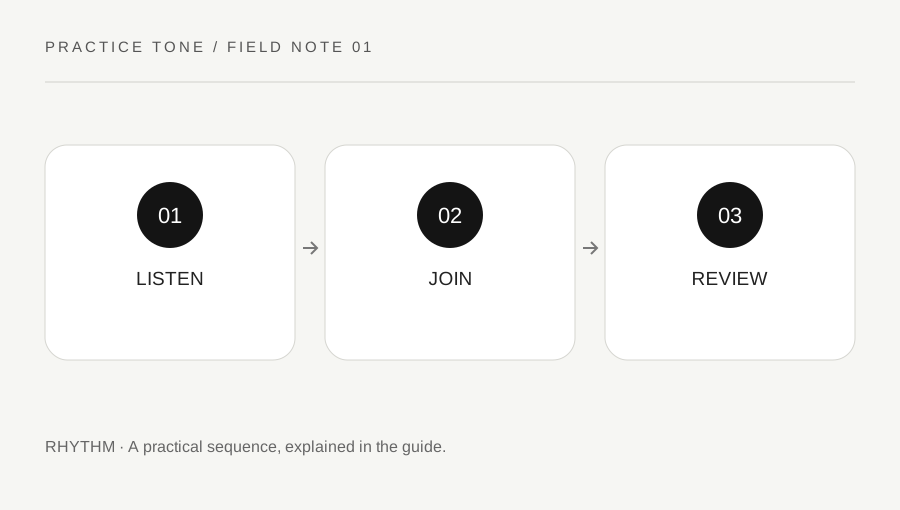
Original explanatory diagram. Numerical examples in this guide illustrate the reasoning; they are not a claim of hands-on testing.
Choose a task smaller than a song
Begin with four evenly spaced taps, repeated for several bars. Sit comfortably and use a quiet tapping surface or one easy instrument note. Choose a tempo at which you can listen, count and move without rushing. Sixty clicks per minute is a reasonable experiment, not a required starting speed for every learner.
Set the tool to 4/4 and listen for two complete bars before joining. Count “one, two, three, four” with the clicks. The stronger first click marks the beginning of a bar; the time between clicks remains equal. If the pulse feels too slow to connect, try a slightly quicker setting, but keep the task itself simple. The aim is a dependable relationship to the pulse, not a fast number.
Join after listening, not on a surprise click
Listen to a complete count-in, then begin on the next one. Tap once per click and keep counting aloud if that helps. Notice whether your tap and the click sound together or as two separate events. A repeated small gap may suggest that you are reacting to each click after it arrives rather than anticipating the next evenly spaced beat.
Do not force every tap louder to hide the difference. Lower your own sound enough to hear the reference. If you become lost, stop, listen for another full bar and rejoin on one. Restarting deliberately is a useful skill. Continuing with an uncertain count can turn a small slip into several bars of practice without a clear beat reference.
Add subdivisions before adding speed
Keep the clicks as quarter-note beats and say “one and two and three and four and.” The spoken “and” divides each interval into two equal parts. At first, tap only the numbered beats while speaking the whole pattern. Then tap both numbers and “ands” at the same tempo.
If the extra taps bunch together near the click, return to speaking the subdivisions evenly. Do not double the metronome setting and also double the number of taps unless you intend a fourfold increase in note rate. Tempo describes the chosen beat unit; subdivision describes how the time inside that beat is divided. Separating those ideas makes the next rhythm exercise much easier to diagnose.
Transfer the pulse to a small instrument action
On piano, play one comfortable key with a relaxed movement. On guitar, use one open string or a familiar easy chord. Play one sound per beat for four bars, then rest for one bar while continuing to count. Re-enter on one without stopping the click. The silent bar tests whether the count continues when your hands are not making sound.
If changing chords disrupts timing, practice the change separately at a slower pace or simplify the sound to one note. Do not ask a first metronome exercise to solve rhythm, fingering, reading and a difficult chord transition simultaneously. Choose one main question for the session, such as whether the gap before a repeated note remains even.
Review a short attempt with a specific question
Try a one-minute sequence: two bars listening, four bars tapping, one bar resting and four bars playing or tapping again. Stop and describe one observation. “I accelerated through the last two beats” is useful because it suggests where to listen next. “My timing is terrible” offers no practical next step.
Use comfortable volume and take breaks. The browser tool stops when the page becomes hidden, so it is intended for active practice with this page open. Start sound only with the button and stop it before leaving the exercise. Increase tempo only after the same small pattern feels organized across several attempts; progress can also mean cleaner starts, steadier rests and easier recovery rather than a higher speed.
A practical checklist
Tick items for your own use. This checklist is saved only in this browser.
Questions that come up
Should every note land on a click?
Only when the exercise asks for one note per click. Subdivided rhythms place additional notes between clicks, and rests may deliberately leave a click without an instrument sound.
Why does 6/8 show six clicks in this tool?
This tool counts eighth-note clicks in 6/8, with accents on clicks one and four. Its BPM refers to those clicks, not to dotted-quarter beats.
Can I leave it running in another tab?
The tool stops when the page is hidden to prevent unattended sound. Restart deliberately when you return to practice.
References & scope
Background references checked on 18 October 2026. The examples and practice exercises are original editorial explanations, not copied procedures or professional advice.